
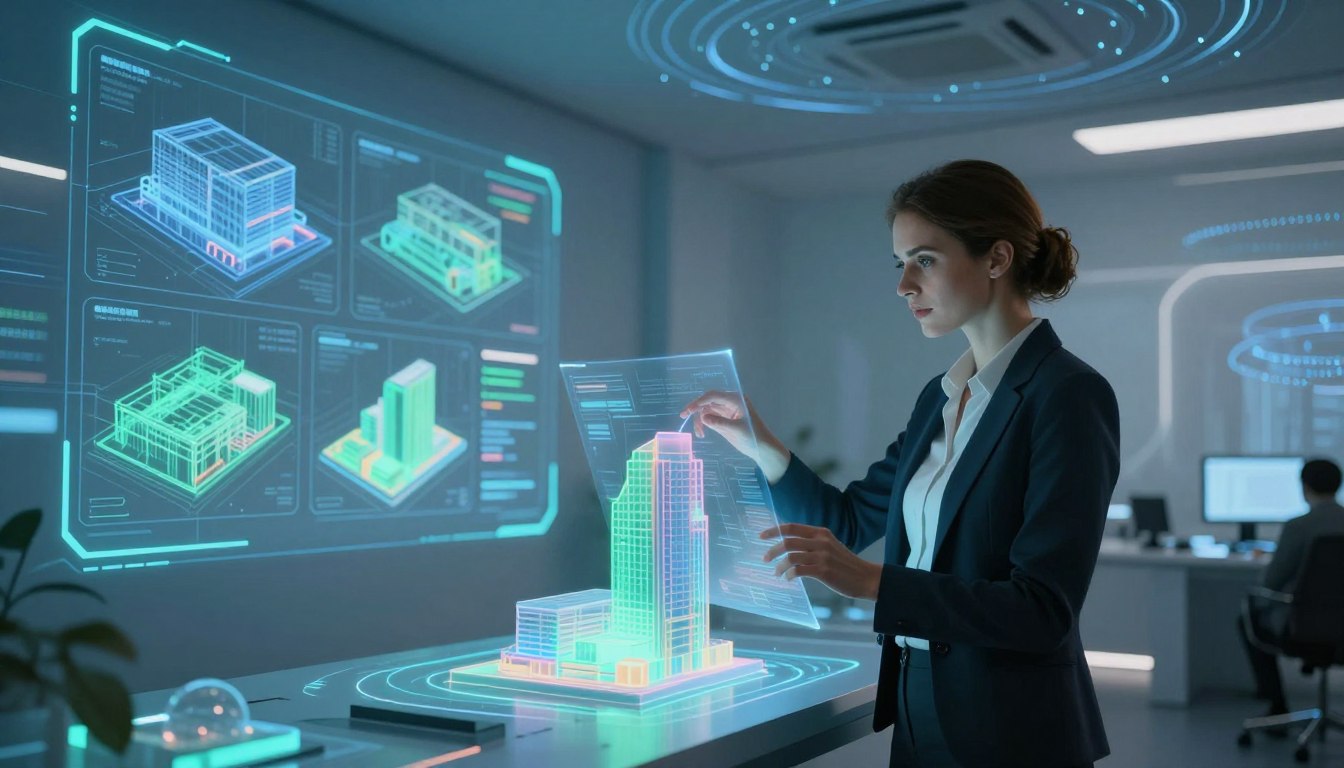
The transition into CRV’s advanced modeling phase marks a key leap in site assessment. This section explains how a trained viewer turns sensory data into clear, usable sketches on paper.
Each session builds on prior training and a steady practice routine. The process reduces mental noise and keeps information accurate.
You will learn simple ways to map coordinates, record structure form, and refine a working model. This method helps the mind sort feedback and develop reliable results.
We cover the program’s order, common materials, and how to test ability through repeated practice. The guide focuses on practical steps to represent objects, people, and aspects of space with clarity.
Key Takeaways
- Stage six in CRV is about detailed 3D site representation and clear sketches.
- Consistent training and sessions reduce subjective interference.
- Simple mapping of coordinates improves accuracy and form.
- Practice sharpens the viewer’s ability to convert data to results.
- Feedback loops help the mind refine structure and information over time.
Understanding Remote Viewing Stage Six Three Dimensional Modeling
Stage VI asks the viewer to move beyond flat notes and build a usable model of the target site. Using three-dimensional materials helps assess relative temporal and spatial elements so the mind can parse form, scale, and sequence more clearly.

The CRV manual defines this work as describing a site with tactile materials. That process organizes information and sharpens the viewer’s ability to record accurate data on paper and in physical form.
Practice with coordinate remote viewing and simple coordinates is essential. Regular training sessions improve the ability to represent structure, objects, and people in a coherent model.
- Practice: Use 3D materials to map form and space.
- Process: Turn sketches and ideogram notes into ordered models.
- Feedback: Test sessions to refine results and overcome common obstacles.
For guided exercises that reinforce these skills, try the coordinate remote viewing exercises tailored for development and practice.
The Core Functions of Kinesthetic Interaction
Kinesthetic practice grounds the viewer’s attention, turning abstract impressions into tangible action at the site.

Kinesthetic activity is simply movement through space and time, like moving an object from point A to point B.
Kinesthetic interaction with the site
Every remote viewer must grasp that kinesthetic activity underpins physical motion and object behavior. By engaging the body or imagined motion, the viewer narrows attention to specific locales and gains clearer data.
Lowering the liminal threshold
Focused motion lowers the liminal threshold. That narrowing helps the mind keep information steady between stages.
- Time matters: movement takes time, and tracking that interval refines results.
- Session structure supports sustained attention so sketches and paper notes stay linked to sensation.
- Practiced kinesthetic drills improve the viewer’s ability to read site form and physical aspects.
“Move with intent; the site responds with clearer information.”
Transitioning from Stage Three to Advanced Modeling
After Stage III opens the aperture, the viewer must learn to hold form clearly so deeper modeling can unfold. This shift moves a strong aesthetic hit into disciplined work on structure.
Command of structure is the primary goal here. A firm grasp of the site’s inherent dimensional aspects lets the mind separate objects from composite shape. Short sketches and tidy paper notes help lock that control in place.
The session must be managed to avoid forcing results. Pushing for answers creates poor data and muddy information. Instead, practice patient processes that let detail arrive in order.
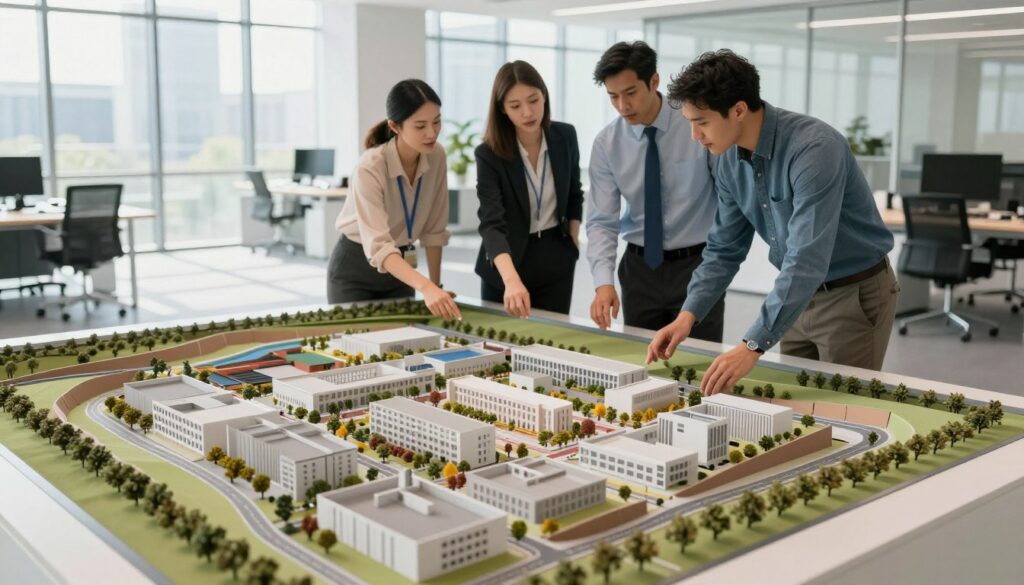
The aperture widens as training progresses, allowing more detailed data and clearer ideogram cues. With steady practice, the viewer learns to distinguish individual aspects and keep a neutral perspective.
“Hold form without judgment; the site will supply the details.”
- Maintain neutral observation to avoid analytic overlay.
- Use small sketches and simple coordinates to test structure.
- Seek feedback across sessions to refine ability and results.
For related practice, try techniques to send healing energy that support focus and steady development.
Defining the Primary Dimensional Elements
Accurate site description relies on recognizing a small set of consistent dimensional cues. These cues help the viewer sort impressions into clear, usable parts. Learning them keeps the process orderly and repeatable.

The six primary dimensionals
The six primary dimensionals are diagonal, horizontal, mass, space, vertical, and volume. A diagonal is a line connecting two points of intersection of two lines of a figure. Knowing that definition helps when you turn feeling into sketches or paper notes.
- Identify: The viewer must learn to spot diagonal, horizontal, vertical, mass, space, and volume to map a site’s structure.
- Inform: Each element gives specific information that builds a full data set for the session.
- Organize: Use these elements to keep coordinates, sketches, and ideogram cues in order.
- Train: Repeated practice with these elements makes results more consistent across sessions.
- Interpret: Understanding their nature helps the viewer read feedback from the signal line and refine ability.
Mastering these elements lets the mind turn raw impressions into structured models. For extra guidance on developing perceptive skills, see this short guide to related psychic work: psychic powers development.
“Clear elements equal clearer results.”
Managing Aesthetic Impact During Sessions
Strong emotional hits can hijack a session unless the viewer identifies them early and pauses.
Aesthetic Impact is the sudden subjective reaction to a site — vertigo, revulsion, or a strong rush of feeling. The viewer must name that reaction and call an AI break.

If the viewer fails to declare an AI break, the session data and sketches on paper will be tainted. Emotions overlay the information and corrupt coordinates, ideogram cues, and structure notes.
The monitor’s role in training is vital. A trained monitor helps spot shifts in tone and coaches the viewer to breathe, wait, and let the feeling dissipate before continuing.
Take time. Allowing an AI to fade keeps data objective and preserves the order of impressions. Managing these states is a core skill in the program and in ongoing practice.
“Declare the feeling, pause the work, then return with a clear mind.”
Utilizing Mobility to Shift Perspectives
Using mobility, the viewer can mentally step above, below, or beside a site to gather clearer data.
Mobility is the skill of moving attention from one point to another around the site. This lets the viewer see form and relation that a single angle misses.
The technique is used during a session to explore different aspects of the target. It helps the mind collect varied information and strengthens the link between sketches and paper notes.

Practice keeps shifts calm and neutral so feeling does not contaminate data. Trainers teach pauses and simple checks to keep the viewer steady.
- Broaden focus: shift from point to point to map the site’s structure.
- Explore: use mobility in sessions to test coordinates and ideogram cues.
- Detail: varied perspectives yield more complete information for accurate models.
- Neutrality: maintain a clear mind to prevent emotional overlay of the process.
For a related primer on inner sight development, see a short guide to clairvoyant abilities.
Techniques for Executing Spontaneous Sketches
Spontaneous sketches are a rapid way to anchor impressions and prevent the analytic mind from taking over. Keep the mark-making quick. The goal is to stimulate contact with the signal line, not to produce art.

During a session the viewer should keep the pen on paper to hold a continuous link to the signal. That steady contact preserves flow and helps the mind track form and coordinates in real time.
The accuracy of lines matters less than their ability to prompt more data. A loose sketch suppresses analytic overlay and invites clearer information to surface.
- Use fast strokes: capture the general idea of the site to reduce subjective thought.
- Stay connected: keep the pen moving to maintain contact with impressions.
- Organize later: treat the sketch as a map to order data and ideogram cues for modeling.
“Trust the sketch; it is a tool to deepen contact and unlock reliable information.”
| Feature | Spontaneous Sketch | Deliberate Drawing |
|---|---|---|
| Purpose | Stimulate signal and capture raw site form | Refine detail and scale |
| Speed | Very fast | Slower, careful |
| Role in training | Suppresses analysis; builds trust in intuition | Validates results; checks structure against notes |
Implementing Analytic Sketching Methods
When quick sketches fail, analytic sketching turns scattered cues into an ordered map on paper. This method lists dimensional responses as they appear and places them in sequence.
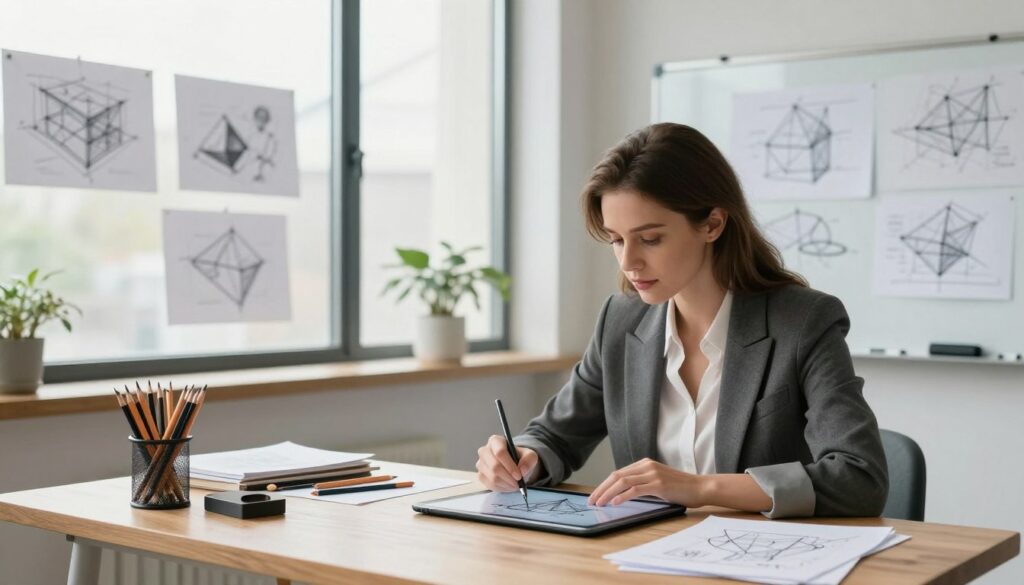
The purpose is simple: re-ignite the viewer’s intuition by feeling the proper position for each element. Start by writing down each response you felt — words like “across” or “rising” — in the order they arose.
Next, assign each response a location on the paper. Let the placement feel right instead of forcing a guess.
- Use this when a spontaneous sketch stalls; it organizes the site’s elements systematically.
- List dimensional cues in order, then map them to paper to preserve accurate data.
- Allow feeling to guide placement so intuition reconnects with the process.
- Follow the structure to keep information consistent across sessions and training.
Maintain focus by working in short, timed bursts and breathing between placements. A clear mind keeps the ideogram and notes linked to real impressions.
“Order the cues, feel their place, and the site will reveal consistent structure.”
For related practice that sharpens concentration and intuitive skill, see tips to improve psychic readings.
Mastering the Use of Trackers

Trackers provide a disciplined path from raw impression to organized structural data. They are made as closely spaced dots or short dashed lines on paper. The viewer lifts the pen between each mark to let the autonomic nervous system guide placement.
This method helps describe a site’s contour and profile in a methodical way. Over time, trackers build consistent coordinate cues that inform later sketches and models.
During a session, the viewer may shift between executing a tracker and making a quick sketch. That swap captures different kinds of information and keeps the signal line active.
“Let the pen rest and let the body place the point.”
Training with trackers strengthens the link between ideogram cues and physical marks. Practice improves the viewer’s sense of point placement, timing, and the final structure of the site.
| Use | Method | Benefit |
|---|---|---|
| Contour capture | Dots or dashed lines with pen lifts | Accurate profile data |
| Signal maintenance | Alternate tracker and sketch | More complete information |
| Training drill | Timed tracker sequences | Improved coordination and consistency |
For guided exercises that expand this skill, consider online psychic training to deepen your practice and refine results.
Handling Spontaneous Ideograms
Spontaneous ideograms can surface at any moment and carry compact clues about a site’s sub-gestalt. A prepared viewer treats these hits as valid signal, not distraction.

Keep the pen on paper. That continuous contact helps capture rapid ideogram forms and preserves the flow of data during the session.
Stay alert to timing and feeling. Brief marks often arrive between sketches or trackers and can add critical information about position or texture.
- Expect ideograms anytime while sketching or making trackers.
- Treat each ideogram like any other: label, timestamp, and note its relation to the site.
- Integrate these marks into your session record to enrich the model and improve later analysis.
| Action | Why it matters | Outcome |
|---|---|---|
| Keep pen down | Captures fleeting ideogram shapes | More complete data |
| Record context | Note time and nearby sketches | Clearer integration into the model |
| Review in training | Compare ideogram meaning across sessions | Improved consistency and interpretation |
“Small marks often hold big clues.”
Applying Polar Coordinate Movement Exercises
Polar coordinate drills teach a viewer to relocate attention and treat each new point as an independent site. This practice helps prevent carryover and keeps information fresh during a session.

How it works: the viewer shifts focus along a plotted coordinate, pauses, and records the new coordinate as if it were a separate target. The monitor uses neutral, passive prompts to avoid inducing analytic overlay.
- The viewer uses polar coordinate movement exercises to move between distinct sites.
- Neutral language from the monitor prevents the viewer from forcing impressions.
- Record each new coordinate and process it like a fresh target point.
- This technique expands capability to explore multiple locations in one session and stage of training.
“Treat every coordinate as a new moment; let the signal speak.”
| Action | Monitor Role | Viewer Outcome |
|---|---|---|
| Shift to new coordinate | Use calm, passive cues | Clean, separate data |
| Record as new site | Avoid leading language | Reduced analytic overlay |
| Repeat across points | Maintain timing and neutrality | Broader skill and stable ideogram integration |
For practical development and related training resources see how to become a psychic detective.
Overcoming Analytic Overlay and Drive
When the mind supplies neat images, the viewer must check whether those images echo the true signal. Analytic overlay can match the signal line and create convincing but false impressions.

Recognize AOL matching: it shows when a viewer’s internal image lines up with the signal. The cure is simple: see through the image and label what is yours versus what is sensory.
AOL matching techniques
Use brief checks: pause, name the feeling, then ask for a raw sensory cue. Compare that cue to prior ideogram notes. If the pattern repeats exactly, treat it as probable AOL.
Identifying ratcheting and peacocking
Watch for repeating spikes, the signal line ending in blackness, or exaggerated detail—these are signs of AOL Drive. If you spot them, take an AOL/D break to clear attention and preserve data integrity.
- Note timing changes in the session; sudden ratcheting means step back.
- Label ideogram hits and test them as fresh points before using them in a model.
- Train with a monitor to spot peacocking and restore neutral attention quickly.
“Pause early; clear the line; return with clean information.”
Essential Site Requirements for Successful Modeling
Choosing the right target can make or break a detailed model of a site. Targets should include clear, large elements such as bridges, monuments, or unusual natural formations that provide strong spatial cues.
Before a session, confirm the site meets dimensional needs. This ensures the sensory impressions supply useful data and reduce guesswork.

Follow the session format exactly. Declare any personal inclemencies and note advanced visuals before collecting impressions. That step protects information quality and keeps data clean.
Quality of the site directly impacts the information gathered. A complex site yields richer cues and better models. Simpler locations often return sparse data and weak structure.
- Pick targets with distinct elements to read.
- Declare physical or mental inclemencies at the session start.
- Log advanced visuals and timing as they appear.
Use the coordinate remote viewing format to organize marks, timestamps, and notes. A clear record links impressions to the correct coordinate and helps build accurate modeling from session data.
“A strong site and a disciplined session produce reliable structure and useful outcomes.”
Conclusion
A clear close ties practice to progress. Finishing sessions with simple checks keeps your work reliable and repeatable.
Mastering remote viewing needs both technical care and steady intuitive practice. Stay neutral, log impressions, and use brief pauses to avoid bias.
Apply the techniques in regular drills. Over time you will raise accuracy and confidence in site assessment.
Consistency and objectivity are what turn good sessions into dependable results. Keep training, track feedback, and refine your process.
FAQ
What is the goal of exploring stage six 3D modeling techniques?
The goal is to build a coherent, three-dimensional representation of a target using sensory impressions, spatial coordinates, and kinesthetic cues. This helps practitioners form a useful mental model of the site, objects, or people involved so they can test hypotheses, sketch structures, and gather verifiable details during practice sessions.
How does kinesthetic interaction with the site improve results?
Kinesthetic interaction engages bodily sensation and movement to anchor impressions. By “feeling” scale, texture, weight, and spatial relationships, a practitioner reduces reliance on pure imagination and increases contact with accurate aspects of the target. Short, focused physical reference gestures during sessions can strengthen this link.
What does lowering the liminal threshold mean in practice?
Lowering the liminal threshold means reducing mental barriers between ordinary awareness and direct sensory experience. Simple breathing, grounding cues, and quieting internal commentary make it easier to perceive raw cues without analytic overlay. This creates clearer sensory data for later sketching and coordinate work.
How do you transition from earlier stages to advanced modeling?
Transitioning requires disciplined practice: refine impressions in shorter trials, increase emphasis on spatial relationships, and begin working with coordinates and movement exercises. Use feedback from targets to calibrate, then gradually extend sessions to capture more complex forms and layered details.
What are the primary dimensional elements to focus on?
Focus on fundamental aspects such as volume, orientation, surface texture, scale, relative position, and connections between parts. These elements form the backbone of a reliable three-dimensional representation and guide sketches, coordinates, and kinesthetic checks.
How can aesthetic impact be managed during sessions?
Keep aesthetic responses secondary to sensory data. Note impressions of color or beauty but avoid letting preference shape structure or function. Use neutral descriptors, verify with movement or coordinate exercises, and defer artistic refinement until data are confirmed.
How does mobility shift perspective when modeling?
Mentally shifting position — moving around an imagined object or site — reveals new relationships, hidden features, and better depth cues. Practice deliberate perspective changes and track how impressions alter; use those variations to triangulate more accurate coordinates and forms.
What techniques help with executing spontaneous sketches?
Keep materials handy and draw quickly to capture immediate impressions. Use simple shapes, connections, and arrows to show spatial relationships. Annotate sketches with kinesthetic notes, coordinates, and any sensory tags to preserve context for later analysis.
When should analytic sketching methods be used?
Use analytic sketching after initial spontaneous work, to organize, measure, and refine. Break complex forms into component parts, add labeled coordinates, and test consistency across multiple passes. This step reduces guesswork and helps build a reproducible model.
What are trackers and how are they used?
Trackers are simple markers or reference points used to follow movement, change, or alignment in the model. Place them on key nodes of a sketch, then monitor how sensations or coordinates shift relative to those nodes during follow-up checks or mobility exercises.
How should spontaneous ideograms be handled?
Treat ideograms as raw data cues rather than narratives. Capture them quickly, note associated kinesthetic feelings and any immediate impressions, then correlate with sketches and coordinate checks. If an ideogram consistently recurs, it likely contains a stable element of the target.
What are polar coordinate movement exercises and why use them?
Polar coordinate exercises involve moving outward from a fixed point using angles and distances to map relationships. They help translate vague impressions into measurable spatial data, improving consistency when sketching and when assigning relative positions within a model.
How can practitioners overcome analytic overlay and drive?
Recognize the onset of overlay — rapid interpretation or premature storytelling — and pause. Return to simple sensory checks: breath, single-sense focus, and kinesthetic validation. Short, repeated verifications prevent ratcheting of incorrect ideas and keep data fresh.
What AOL matching techniques are effective?
Effective techniques include tagging impressions with confidence ratings, using blind verification, and comparing sensory data across multiple short trials. These methods reveal where analytic influence skews results and guide corrective rehearsal to improve accuracy.
How do you identify ratcheting and peacocking in sessions?
Ratcheting shows as gradual amplification of an initial guess; peacocking appears as exaggerated or attention-seeking detail that doesn’t match other cues. Watch for increasing certainty without supporting sensory checks, then step back to basic descriptors and re-evaluate.
What site requirements support successful modeling?
A quiet, comfortable setting with minimal distractions, consistent practice materials, and clear record-keeping supports reliable work. Good lighting for sketches, a simple coordinate grid, and access to verification feedback all improve learning and session outcomes.